FAST DELIVERY | 14 DAY RETURNS | 200,000+ PRODUCTS | AUSTRALIAN OWNED & STOCKED
Menu
-
-
Furniture
-
Baby & Kids
-
Home & Garden
-
Rugs
-
Toys & Games
-
Appliances
-
KITCHEN APPLIANCES
- Air Fryers
- Food Cookers & Steamers
- Toasters
- Electric Kettles
- Microwaves
- Mixers
- Portable Cooktops
- Electric Juicers
- Blenders & Soup Makers
- Grills
- Meat Grinders & Mincers
- Food Dehydrators
- Deep Fryers
- Food Vacuum Sealers
- Food Processors
- Waffle & Pancake Makers
- Water & Ice Dispensers
- Water Filters & Coolers
- Kitchen Appliance Accessories
- Ice Makers
- COFFEE MAKERS
- VACUUM CLEANERS
- FRIDGES & FREEZERS
- HEATERS
- AIR CONDITIONERS
- FANS
- AIR TREATMENT
- COOKTOPS
- RANGEHOODS
- OVENS
- IRONING APPLIANCES
-
KITCHEN APPLIANCES
-
Sports & Outdoors
-
Electronics
-
Tools & Equipment
-
Christmas
-
-
Login

FAST DELIVERY | 14 DAY RETURNS | 200,000+ PRODUCTS | AUSTRALIAN OWNED & STOCKED


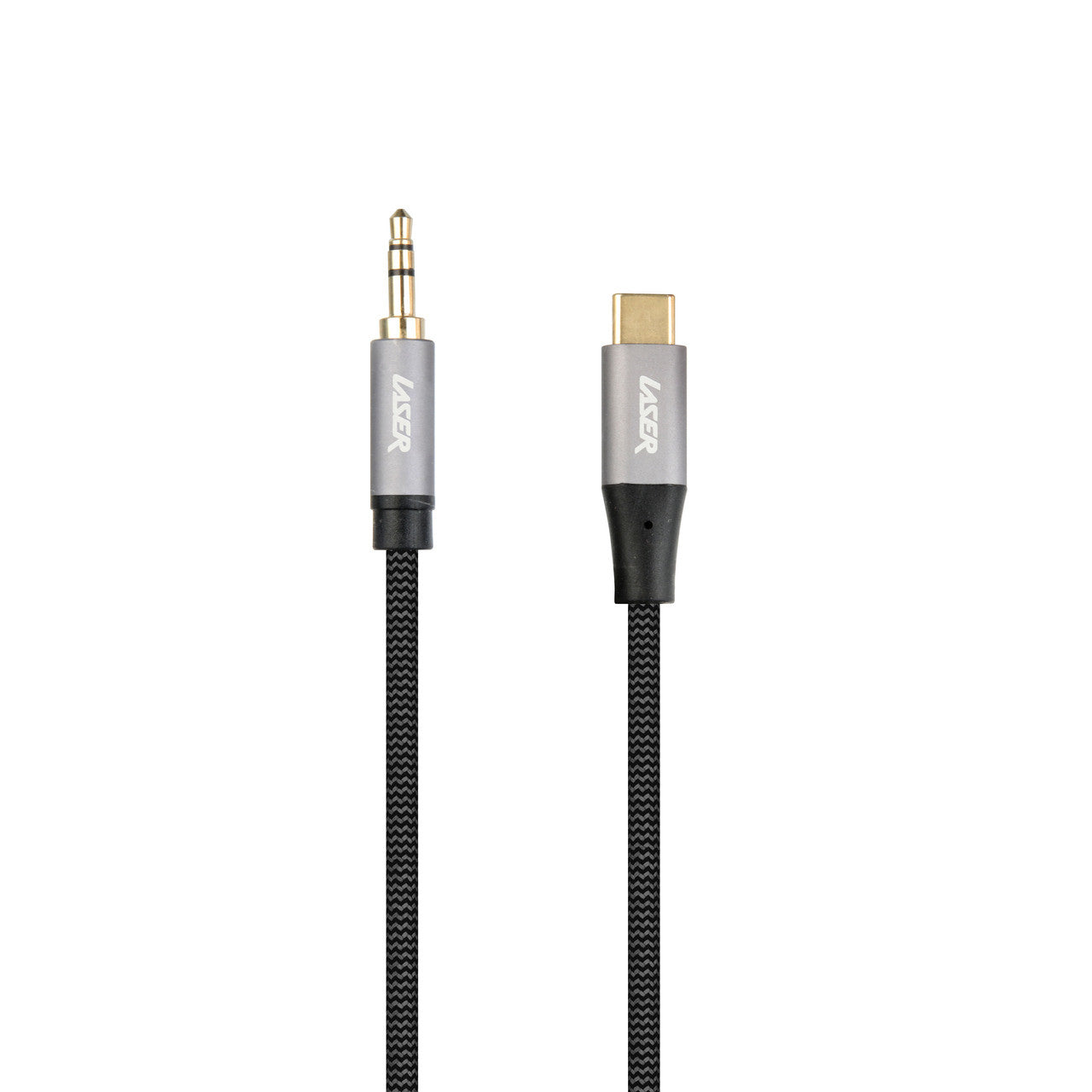

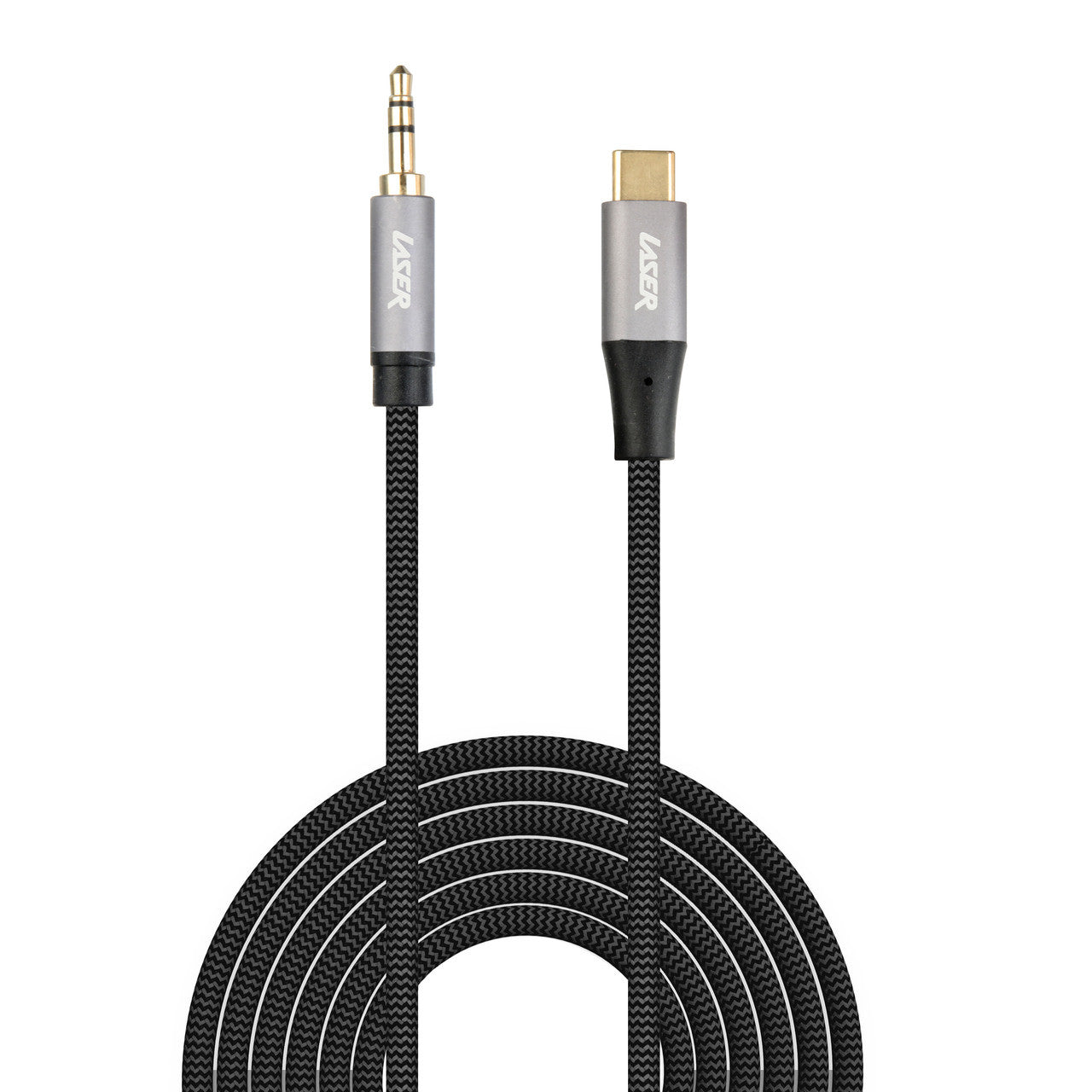

Laser USB-C to 3.5mm AUX Audio Cable 2m - Black
Risk-Free 14 Day Returns
If you change your mind, return it to us within 14 days of the date you received it, no questions asked.
T&Cs apply


Enjoy a simple wired audio connection from a compatible USB-C device to any 3.5mm AUX input, with extra length for flexible setups.
When you just want sound without pairing, dropouts, or charging another gadget, a wired AUX connection still wins. This Laser USB-C to Male AUX cable is designed to connect compatible USB-C devices to speakers, car stereos, and other 3.5mm AUX inputs.
With a 2m length, it is easier to keep your phone, tablet, or laptop where you want it, while the AUX end reaches the dash, speaker, or audio port comfortably.
Key benefits
- Wired audio simplicity for everyday listening and commutes
- Connects USB-C to a 3.5mm AUX input on compatible setups
- 2m cable length helps reduce strain and awkward positioning
- Ideal for cars, speakers, and desk audio where AUX is still king
- Clean, minimal look in black to suit most setups
Everyday use
Keep one in the car for easy music and podcast playback through the AUX input, or use it at your desk to connect a compatible USB-C laptop to speakers. It is also handy for travel kits where a reliable wired connection is more practical than wireless.
Compatibility and setup
This cable requires a USB-C device that supports audio output via USB-C. If your device does not support USB-C audio out, it may not work. Connect the USB-C end to your device, and the 3.5mm AUX end to the AUX input on your car stereo, speaker, or audio system.
Why choose Laser? Trusted Australian brand delivering innovative, affordable tech for work, play, and home entertainment.
Explore more from Laser: Cables | Network Cables
FAQs - Laser USB-C to Male AUX Cable - 2m
Can I use this with any USB-C phone, tablet, or laptop?
It will work with USB-C devices that support audio output via USB-C. Some USB-C devices do not send analogue audio over USB-C, so compatibility can vary by model. If your device supports USB-C audio out, this cable can connect it to a 3.5mm AUX input.
What happens if my car or speaker has AUX but my device does not support USB-C audio out?
If your USB-C device does not support audio output via USB-C, you may not get any sound. In that case you may need a different solution that matches your device capability. This cable is designed for compatible USB-C audio output devices connecting to a 3.5mm AUX input.